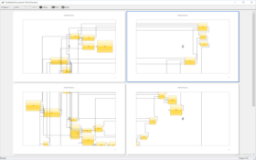
Exontrol offers a comprehensive suite of powerful controls for building modern applications. The ExSuite package includes a broad range of combo, list, tree, grid, Gantt, and chart components designed to efficiently display and manage data, along with many other specialized controls.
It provides advanced capabilities such as WYSIWYG template and layout designers, incremental searching, built-in HTML support, ActiveX hosting, printing and print preview, and drag-and-drop functionality. These features significantly enhance both flexibility and performance across applications built with the suite.
With more than 5,750,000 lines of source code, ExSuite represents an exceptionally extensive and mature offering in the component marketplace.
 The eXSuite package contains the following products:
2
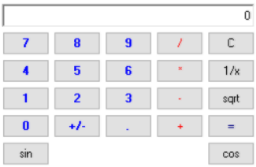
ExCalc is a calculator component that provides basic arithmetic operations such as addition, subtraction, multiplication, and division, allows full layout customization including additional mathematical operations, and supports both flat and drop-down versions for embedding into different user interface scenarios.
3
ExCalcEdit is an easy-to-use edit control that supports arithmetic operations and provides results on the fly, displaying the calculated output as the user types the expression, while handling double constants and basic operations such as addition, subtraction, division, and multiplication, and it is fully implemented in C++ using ATL without requiring additional files or external libraries such as MFC.
4
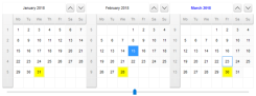
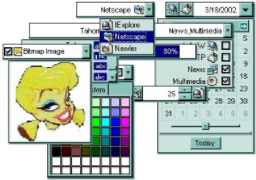
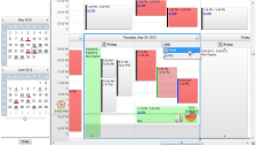
ExCalendar is a library that contains two components, a simple version and a drop-down version, both allowing users to select a date through a user-friendly graphical interface within the range from 1/1/100 to 12/31/9999, and both versions support images, colors, font attributes, and tooltips for any date.
5
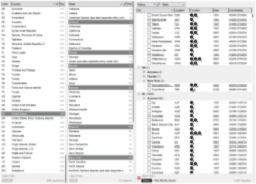
ExCascadeTree is a multiple-columns tree view component that uses Miller Columns visualization to display data, where Miller Columns (also known as Cascading Lists) are a browsing and visualization technique applied to tree structures for easier navigation of hierarchical information.
6
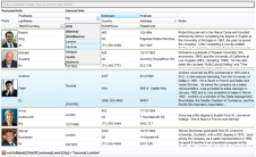
ExComboBox represents an advanced combo box component that combines a drop-down list or list box with a single-line text box, allowing the user to either type a value directly into the control or choose from a list of existing options, providing flexible data entry through both manual input and selection from predefined values within the same interface.
8
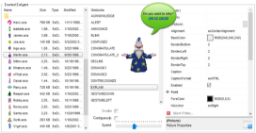
ExDialog is a control similar to the Microsoft Office Assistant that allows attaching pictures to forms or dialogs, enabling developers to add interactive visual personalities to applications or websites and enhance user interaction through customizable dialog-based elements.
9
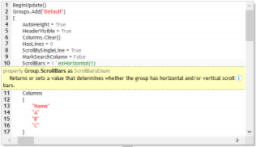
ExEdit is an easy-to-use edit control that supports a built-in HTML-like formatting system and syntax highlighting, allowing custom keywords and expressions to be defined using HTML-style tags interpreted internally by the control, enabling flexible and extensible text editing within applications without requiring external libraries or dependencies.
10
ExEditors is a library that contains 16 data edit controls, where each editor can have an associated three-state check box and an unlimited number of buttons on the left or right side, with each button capable of displaying an icon or picture and having its own tooltip, while most of the editors are mask-based to support structured and validated data input within applications.
11

ExEMail is an email component that enables applications to support full mail and file attachment transfers, providing SMTP RFC-compliant functionality with support for binary MIME attachments, HTML email, and SMTP authentication, and it does not require external email clients such as Outlook, Outlook Express, or Exchange to be installed.
12
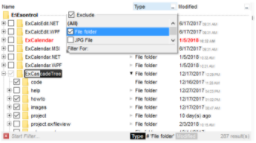
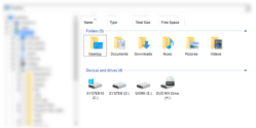
ExFileView is a component that provides rich display of file and folder information within applications by offering Windows Explorer-style functionality, and it can also simulate a FolderView control, enabling users to browse and interact with directory structures in a familiar and structured interface.
13
ExFolderView is a folder tree-list view component that provides a hierarchical navigation structure identical to the left pane of Windows Explorer, allowing users to browse and manage folders in a familiar tree-based interface within applications.
14
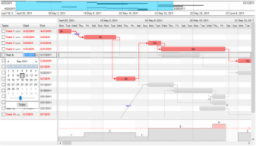
ExG2antt is an editable tree-grid component that includes Gantt chart features, combining the exGrid and exGantt components into a single standalone component, and it allows users to modify its visual appearance using skins, each providing an enhanced visual experience that improves data visualization and usability.
15
ExG2Host is an extension of the ExG2antt Grid-Gantt component with full database support including ADO, DAO, and XML, allowing it to automatically load and save host data including hierarchy to one or more databases, map data fields from the data source to properties of objects within the control with automatic updates when required, and also save the control's layout so that it is restored automatically the next time the control is run, maintaining the same visual structure as when it was closed.
16
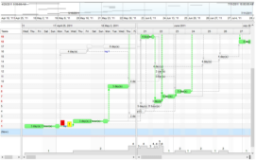
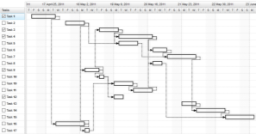
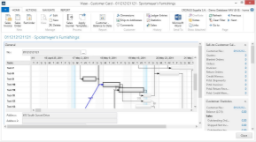
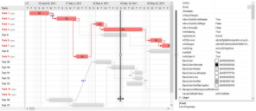
ExGantt is a component for creating timeline charts, also known as Gantt charts, which provide a time-phased graphic display of activity durations where activities are listed with tabular information on the left side and time intervals are represented as horizontal bars, showing activity durations visually, and it also allows users to change its appearance using skins that enhance the visual experience.
17
ExGauge is a graphics component library that provides capabilities to visually display and edit the amount, level, or contents of an element, where the view can contain one or more layers, each layer supporting one or more transparent images and HTML captions that can be clipped, moved, rotated, or combined, and manipulated through mouse dragging, mouse wheel interaction, or keyboard input.
18
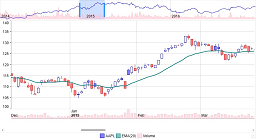
ExGraph is a versatile data visualization component designed to meet diverse charting needs, supporting numerous chart types from simple line charts to complex radar charts within the same view, and providing seamless printing and print preview functionality for generating accurate hard copies of charts, while also allowing users to change its visual appearance using skins that enhance the overall viewing experience.
19
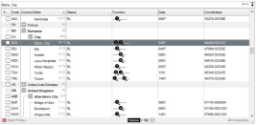
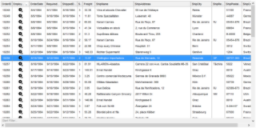
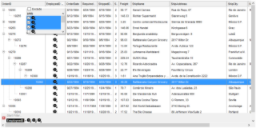
ExGrid is an easy-to-implement tree-grid control that provides fast and robust performance along with a wide range of formatting features, and it acts as a multi-purpose data visualization system capable of displaying information as a tree, a grid or list, or a combination of both in either data-bound or unbound mode, combining traditional grid and treeview behavior to enable flexible and visually rich application interfaces.
20
ExICalendar is a library that implements the iCalendar data format according to the Internet Calendaring and Scheduling Core Object Specification (RFC 5545), representing a standard for exchanging calendaring and scheduling information such as events, to-dos, journal entries, and free/busy information independent of any particular calendar service or protocol, and designed as an exchange format between applications and systems based on a defined MIME content type.
21
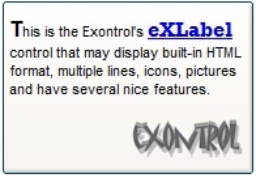
ExLabel is a component that provides HTML labels for forms or dialogs, allowing applications to display formatted text within user interface elements such as forms and dialog windows.
22
ExList is an advanced list control that allows you to display and edit tabular data within your application, and it supports customizable skins that can be applied to any part of the control, each skin providing an additional visual experience that enhances the overall appearance, while also making it easy to design and apply different visual styles.
23
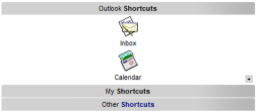
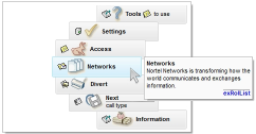
ExListBar is a component that reproduces the Microsoft Outlook Bar interface, providing an intuitive user interface for presenting large amounts of information, supporting both horizontal and vertical orientation, and offering a rich and intuitive object model for flexible integration into applications.
24
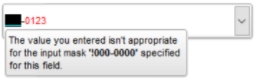
ExMaskEdit is a masked edit control that allows you to define how users must enter data in specific fields, enforcing structured input formats to help maintain consistency across applications and databases, for example restricting entries to predefined patterns such as telephone numbers or address formats, so that data is entered in a controlled and predictable way.
26
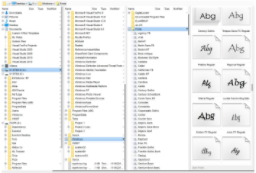
ExMiller is a file-folder view component that uses Miller Columns visualization to display system folders and files, where Miller Columns (also known as Cascading Lists) are a browsing and visualization technique applied to tree structures to provide structured and efficient navigation of hierarchical data.
27
ExXMLGrid is a grid view component that handles data in an XML-style manner, providing an innovative grid interface with swift and robust performance and a wide range of formatting features, and it can be seen as a generalized tree control that allows runtime adjustment of node indentation, while also supporting skins that can be applied to any part of the control to enhance its visual appearance and user experience.
28
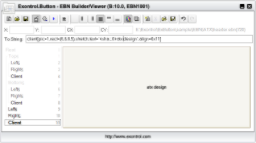
ExNAVHost /NET assembly is a Control-AddIn for Microsoft Dynamics NAV environment that can extend NAV fields with any UI element from the .NET framework by using x-script code, enabling enhanced customization and integration of user interface components within NAV applications.
29
ExNETHost is a control that allows you to use any .NET Windows Forms user control within COM-based Windows applications, forms, or dialogs, enabling seamless integration between .NET UI components and COM environments.
30
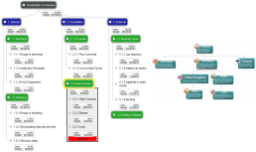
ExOrgChart is a component that permits the totally automatic generation of organigrams, providing a clear hierarchical display of nodes that represent the positions of various actors, where each node can include an HTML caption, pictures, and icons aligned to any side of the node to visually represent organizational structures and relationships.
31
ExplorerBar is a component that reproduces the Microsoft Windows XP Explorer Bar, providing an intuitive user interface for presenting large amounts of information, with a rich and intuitive object model designed to simplify integration and usage within applications.
32
ExplorerTree is a component that adds structured navigation functionality to applications, providing simple information structuring and easy navigation within the user interface to improve how users browse and interact with application data.
33
ExPivot is a data summarization tool designed to provide pivot table functionality, where a pivot table can automatically sort, count, total, or calculate averages of data stored in a table or spreadsheet, and the user can set up and modify the structure of the summary by dragging and dropping fields in a graphical interface.
35
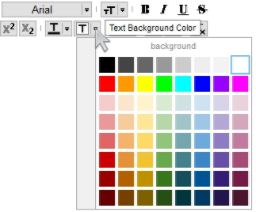
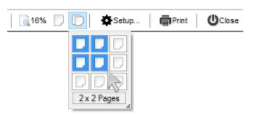
ExPrint is an advanced printing system designed to bring your user interface to the printed page, adding powerful print and print preview capabilities to forms, dialog boxes, and other windows, and providing support for components such as exGrid, exTree, exList, exCalendar, exComboBox, exPropertiesList, exEdit, exFileView, exOrgChart enabling consistent printing of application UI elements.
36
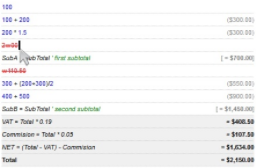
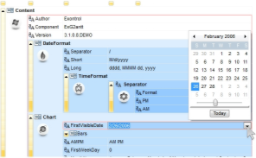
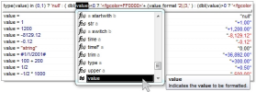
Expression is a syntax editor component that helps you define, view, edit, and evaluate expressions, providing an integrated environment for working with expressions directly within applications and enabling efficient expression processing and evaluation.
37
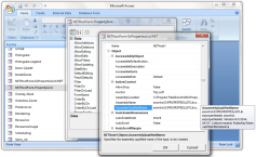
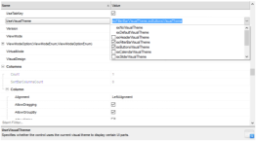
ExPropertiesList is a control similar to the one used in Visual Studio for manipulating properties, providing an efficient, intuitive, and visually compact way to handle data input with minimal coding and user interface design, enabling structured property editing within applications.
39
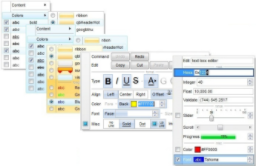
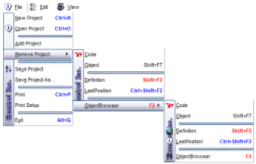
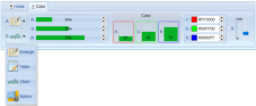
ExRibbon is a component similar to the Microsoft Office Fluent User Interface (Ribbon) that allows you to display graphical control elements as a set of toolbars organized into multiple tabs, providing a structured and modern way to access application features and improve user navigation and usability.
40
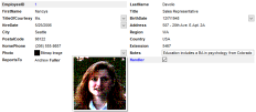
ExRecord is a container component that displays a set of editors that can be added manually or bound to a table in a database, providing a structured way to handle data input and management within applications.
41
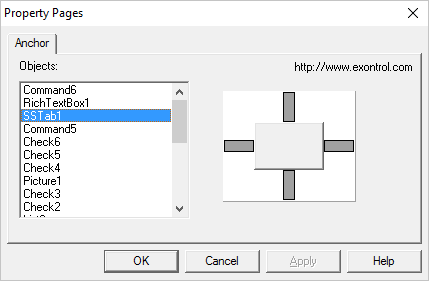
ExResizer is a component that allows you to resize controls in a form proportionally or maintain the components' anchored sizes and positions, automatically altering the sizes and positions of controls as the form is resized without requiring any code, simply by dropping the control onto the form and using anchor properties to define how each control is attached to one or more container edges in an intuitive way.
42
ExRolList is an innovative list control that handles and displays lists on an elliptic shape, rotating the list so that items remain visible and no scrolling is required, creating a new and attractive user interface that enhances the visual experience and provides a different way of navigating list content.
43
ExSchedule is a tool designed to provide scheduling of appointments within applications, enabling users to manage, organize, and plan appointments in a structured way through integrated scheduling functionality.
45
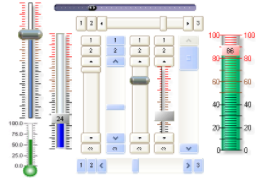
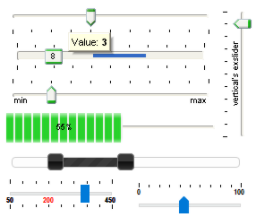
ExSlider is a component that allows you to add skinnable sliders to your forms or dialogs, providing customizable slider controls that can be integrated into applications for selecting values through an interactive user interface.
46
ExShellView is a component that provides a file list view identical to the right pane of Windows Explorer, enabling shell-based browsing and display of files within applications.
47
ExSkin is a control that enables you to change the visual appearance of your project's forms by providing skin support, allowing customization of window captions, frames, client and non-client areas and more, and it includes a builder component that helps create new skins, making it easy to integrate into projects and enabling applications to adopt different visual styles such as MacOS, BeOS, Unix, or Winamp-like interfaces.
48
ExSkinBox is a skinnable message and input box component that allows you to display dialogs with customizable appearance, supporting HTML-formatted content and custom images, enabling more flexible and visually enhanced message and input box presentation within applications.
49
ExStatusBar is a fully customizable status bar component for applications, offering flexible layout of panels using CRD strings, skinning support, built-in HTML formatting, tooltip support, owner draw functionality, icons, custom-size pictures, a WYSWYG template editor, semi-transparent colors, progress bar support, and many additional features for building rich and adaptable user interfaces.
50
ExSurface is a component that lets you organize your objects on a surface, enabling you to generate organigrams, diagrams, graphs, flowcharts, and other structured visual representations within applications.
51
ExSwimLane is a component that lets you draw swim lane diagrams, where a swim lane (or swimlane diagram) is a visual element used in process flow diagrams or flowcharts to distinguish job sharing and responsibilities for sub-processes of a business process, and swim lanes may be arranged either horizontally or vertically.
52
ExSplitBar is a component that helps automatically resize left/right or top/bottom controls while the user drags the split bar to a new position, allowing splitter-based resizing of docked controls at runtime, and it is commonly used in forms where controls display varying amounts of data, such as explorer-style interfaces with resizable panes.
53
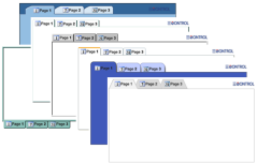
ExTab is a skin-based tab control that allows you to organize interface content using tabs, where a tab control is analogous to the dividers in a notebook or the labels in a file cabinet, providing a structured way to navigate between different sections within an application.
54
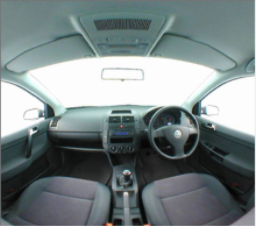
ExTexture is a cube map texturing component that performs environment texture mapping using a viewing direction represented as a 3D vector to map into a view plane with six 2D textures arranged like the faces of a cube, enabling cube map based rendering within applications.
55
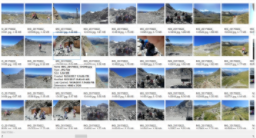
ExThumbnail is a component that provides thumbnail views for files, where thumbnails are reduced-size versions of pictures or shell items used to make it easier to scan and recognize them, serving the same role for images as a normal text index does for words, enabling efficient visual browsing within applications.
59
ExTree is an enhanced tree component that provides the full range of capabilities expected from a state-of-the-art tree control, allowing it to simulate a simple tree, a multi-column tree, a list, or a listview control for flexible display and management of hierarchical data within applications.
60
ExTreeCube is a library that provides fisheye representation and cube map texturing for different components such as calendars and multiple-column tree views, and other similar controls, enabling enhanced visualization and data exploration within applications.
The ExSuite/COM package contains all /COM components.
The ExSuite/NET contains only /NET assemblies.
The ExSuite/WPF contains only /WPF assemblies.
The ExSuite/ALL contains all /COM, /NET and /WPF assemblies.
Currently, the ExSuite/NET package contains the following assemblies:
- eXButton/NET
- eXCalc/NET
- eXCalcEdit/NET
- eXCalendar/NET
- eXCascadeTree/NET
- eXComboBox/NET
- eXContextMenu/NET
- eXDialog/NET
- eXEdit/NET
- eXEditors/NET
- eXFileView/NET
- eXFolderView/NET
- eXG2antt/NET
- eXGantt/NET
- eXGauge/NET
- eXGraph/NET
- eXGrid/NET
- eXICalendar/NET
- eXLabel/NET
- eXList/NET
- eXListBar/NET
- eXMaskEdit/NET
- eXMiller/NET
- eXMLGrid/NET
- eXNAVHost/NET
- eXNETHost/NET
- eXOrgChart/NET
- eXPlorerBar/NET
- eXPlorerTree/NET
- eXPivot/NET
- eXPrint/NET
- eXPression/NET
- eXPropertiesList/NET
- eXRadialMenu/NET
- eXRibbon/NET
- eXRecord/NET
- eXSchedule/NET
- eXScrollBar/NET
- eXSlider/NET
- eXShellView/NET
- eXSkinBox/NET
- eXStatusBar/NET
- eXSurface/NET
- eXSwimlane/NET
- eXSplitBar/NET
- eXTab/NET
- eXThumbnail/NET
- eXToolBar/NET
- eXToolBarCRD/NET
- eXToolTip/NET
- eXTree/NET
- eXTreeCube/NET
Currently, the ExSuite/WPF package contains the following assemblies:
- eXCalcEdit/WPF
- eXCalendar/WPF
- eXCascadeTree/WPF
- eXComboBox/WPF
- eXContextMenu/WPF
- eXEdit/WPF
- eXFileView/WPF
- eXG2antt/WPF
- eXGantt/WPF
- eXGauge/WPF
- eXGraph/WPF
- eXGrid/WPF
- eXList/WPF
- eXListBar/WPF
- eXMiller/WPF
- eXMLGrid/WPF
- eXOrgChart/WPF
- eXPlorerBar/WPF
- eXPlorerTree/WPF
- eXPivot/WPF
- eXPression/WPF
- eXPropertiesList/WPF
- eXRadialMenu/WPF
- eXRibbon/WPF
- eXSchedule/WPF
- eXSurface/WPF
- eXSwimlane/WPF
- eXThumbnail/WPF
- eXToolBar/WPF
- eXToolBarCRD/WPF
- eXTree/WPF
- eXTreeCube/WPF
As a new /COM, /NET or /WPF assembly is initially released, you can request the new
component here here, only at your next renewal.
×
![]()
|
 General information about ExSuite product:
|
|
Version:
|
19.0.1.0
|
|
Compatible with:
|
Access, AutoIt, C#, C++, Clarion, Delphi, Dynamics AX, Dynamics NAV, FORTH, HTML, LabVIEW, Lotus Notes, Power++, PowerBuilder, Progress, Smalltalk, twinBASIC, VB, VB.NET, VB6, VBA, Visual Objects, VFP, VFP Advanced (x64), xBasic, X++, Xbase++, uniPaas (eDeveloper)
|
|
Available since:
|
2002249
|
|
Last update:
|
...
|
|
Lines of code:
|
6,218,357 (5,395,708 excluding comments and empty lines)
|
|
Includes:
|
Objects 375, Functions 16,965, Events 1,092, Definitions 1,080
|
|
 Shortcut links:
|
|


 ExSuite(UI control suite)