

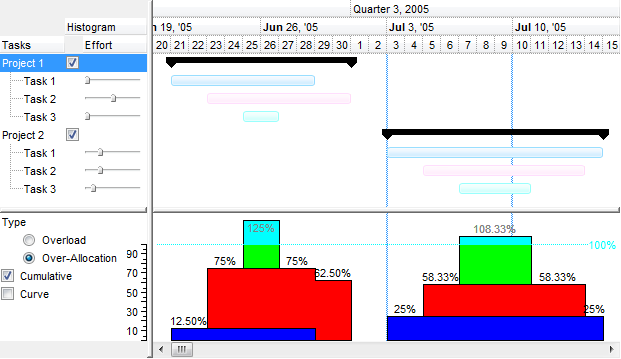
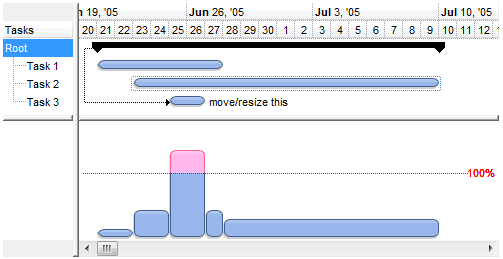
The following screen shot shows the over-allocation histogram
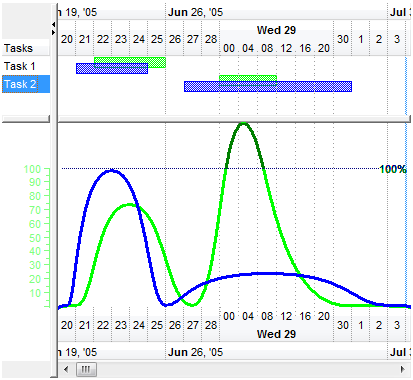
The following screen shot shows the over-load histogram:
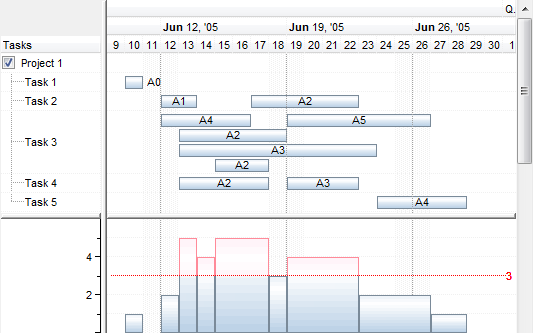
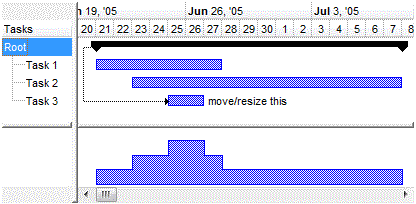
The following screen shot shows the cumulative histogram:
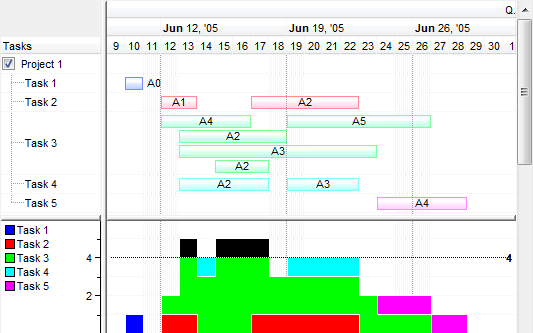
The following screen shot shows the cumulative histogram, including the values, and the legend in the left side of the histogram:
Please follow the steps in order to view your bars in the histogram.
- Changes the HistogramVisible property on True ( by default, it is False ). After setting the HistogramVisible property on True, the control shows a horizontal splitter in the bottom side of the control.
- Adjusts the height of the histogram view using the HistogramHeight property ( by default it is 0 ). After setting the HistogramHeight property on a value greater than 0, the control shows a the histogram view in the bottom side of the control.
- Changes the HistogramPattern
or/and HistogramColor property,
else no bars will be shown in the histogram. The HistogramPattern/HistogramColor
properties belong to a Bar object. For
instance the Chart.Bars("Task").HistogramPattern =
exPatternDot, specifies that the Task bars will be represented in the histogram
using the
exPatternDot pattern (
 )
)
The followings are optional properties that you can set in order to customize your histogram:
- The HistogramType property indicates the type of the histogram being displayed for a specified bar.
- Use the HistogramView property to specify the items being represented in the histogram view. By default, only visible items are displayed in the histogram. For instance, using the HistogramView property you can select the items being represented in the histogram
- Use the HistogramBackColor property to specify the histogram's background color.
- Use the HistogramBoundsChanged event to resize the inside controls being displayed in the histogram
- Use the BeforeDrawPart/AfterDrawPart event to perform custom drawing over the chart's histogram.
A bar is represented in the histogram only if HistogramPattern or HistogramColor property is set. If any of these are not set, the bar will not be represented in the histogram.
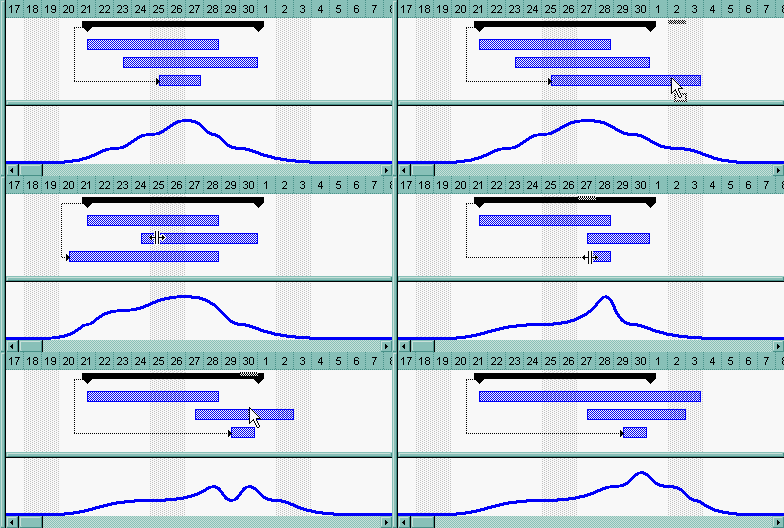
The following screen shot shows the exHistOverload histogram and how it is updated as soon the bars are moved or resized:
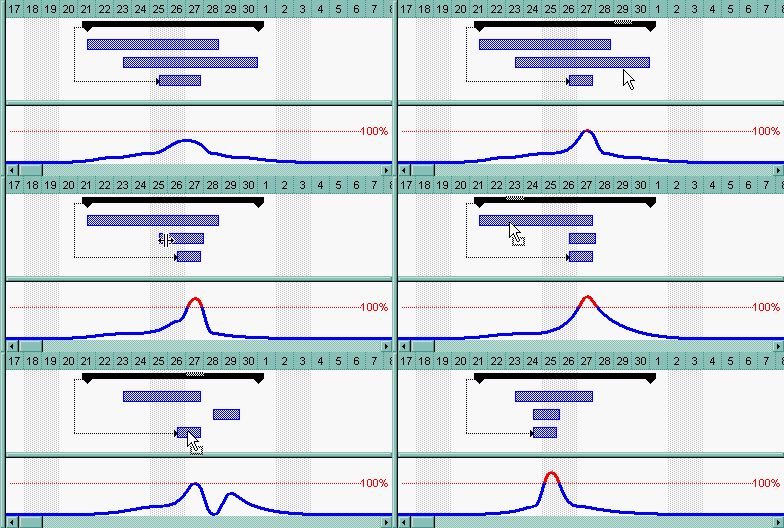
The following screen shot shows the exHistOverAllocation histogram and how it is updated as soon the bars are moved or resized:
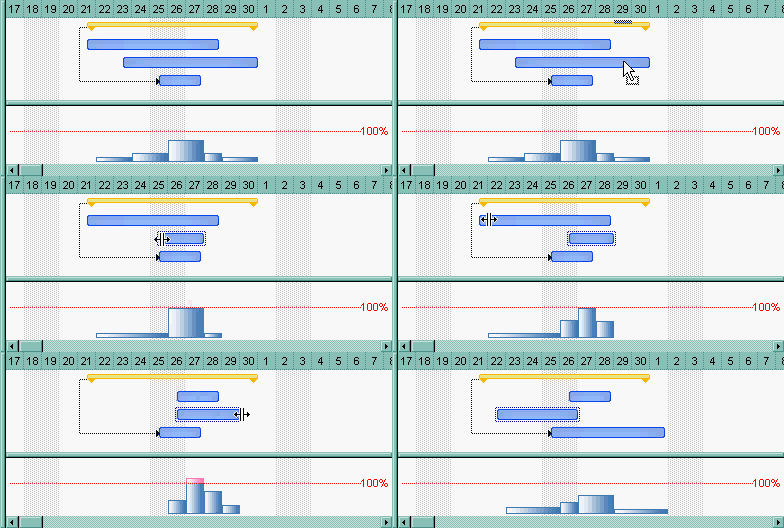
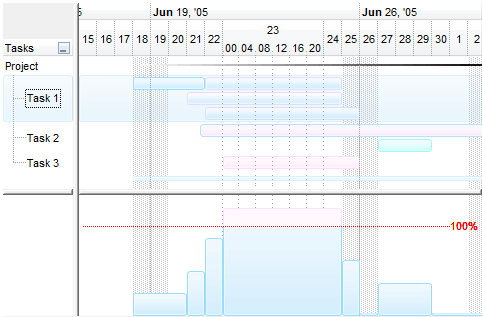
Bellow you can view few screen shots of histograms being displayed in different ways, using different color, patterns, curves or EBN skin files:
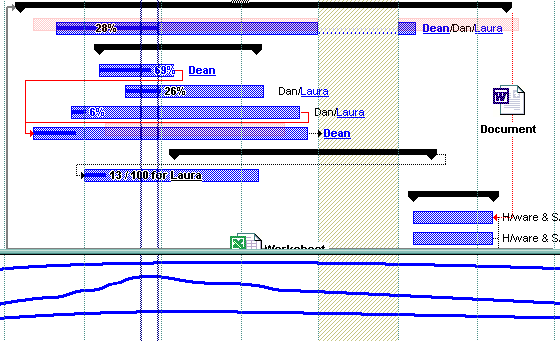





Use the Background(exSplitBar) property to define the shape and the color for horizontal split bar, that may be used to resize the histogram at runtime.