method ExFileView.ClearColumnCustomFilters (ColumnName as String)
Clears the list of column's custom filters. /*not
supported in the lite version*/
Type
Description
ColumnName as String
A string expression that indicates the column's name. The valid values are:
'Name', 'Size', 'Modified', 'Type', 'In Folder'
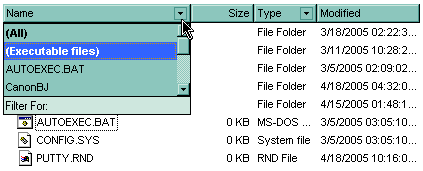
Use the ClearColumnCustomFilters method to clear the
column's list of filter patterns added using the AddColumnCustomFilter
method. By default, the control adds no custom filter patterns. Use the ClearFilter
method to remove the control's filter.